
Overview
On-ramp transactions allow merchants to convert fiat currency into stablecoins directly within the HyperRail application. These transactions use available platform liquidity to execute conversions at transparent rates, with clear settlement and transaction tracking.When to Use On-Ramp
- Funding stablecoin balances
- Preparing funds for cross-border payouts
- Converting local collections into stablecoins
- Managing treasury liquidity
How an On-Ramp Transaction Works
Login
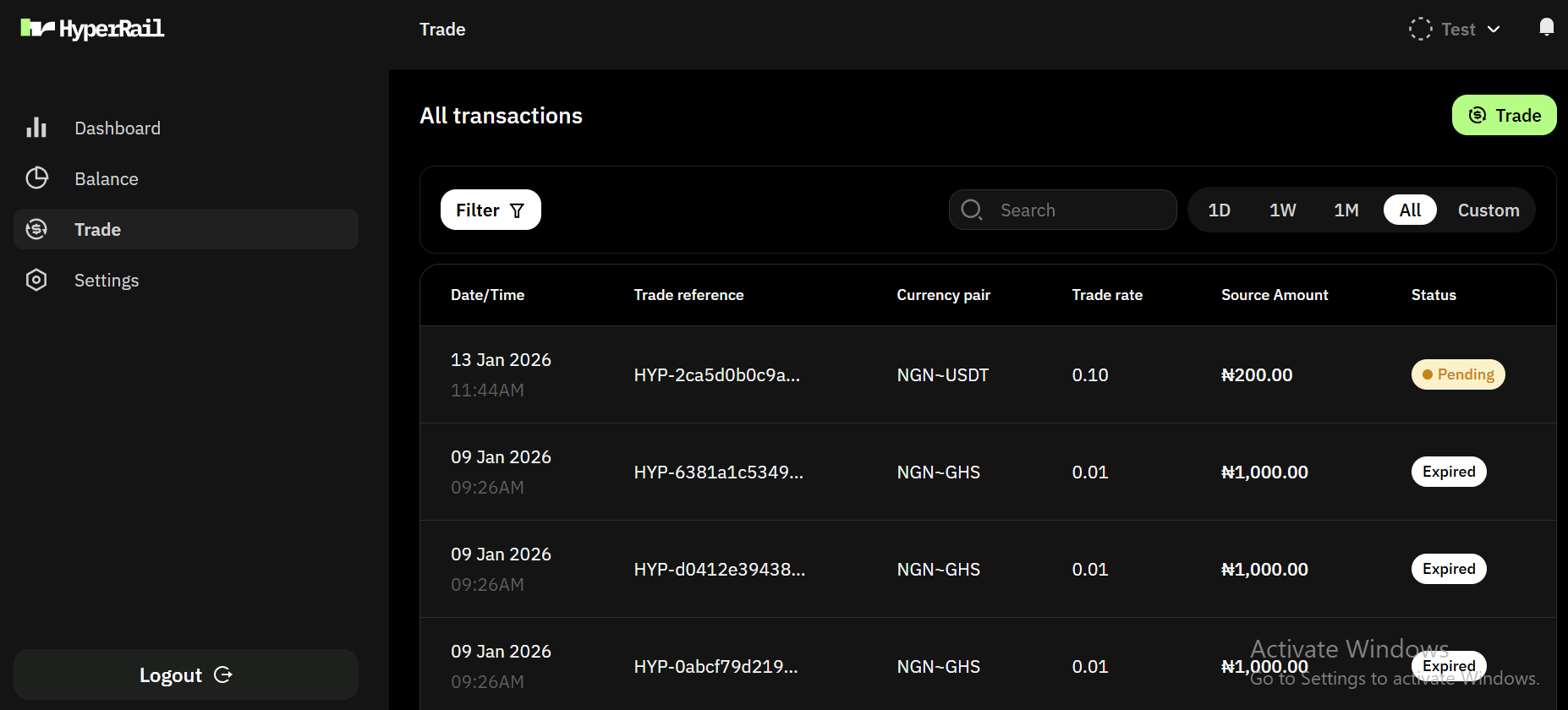
Select Assets


Fuding Source
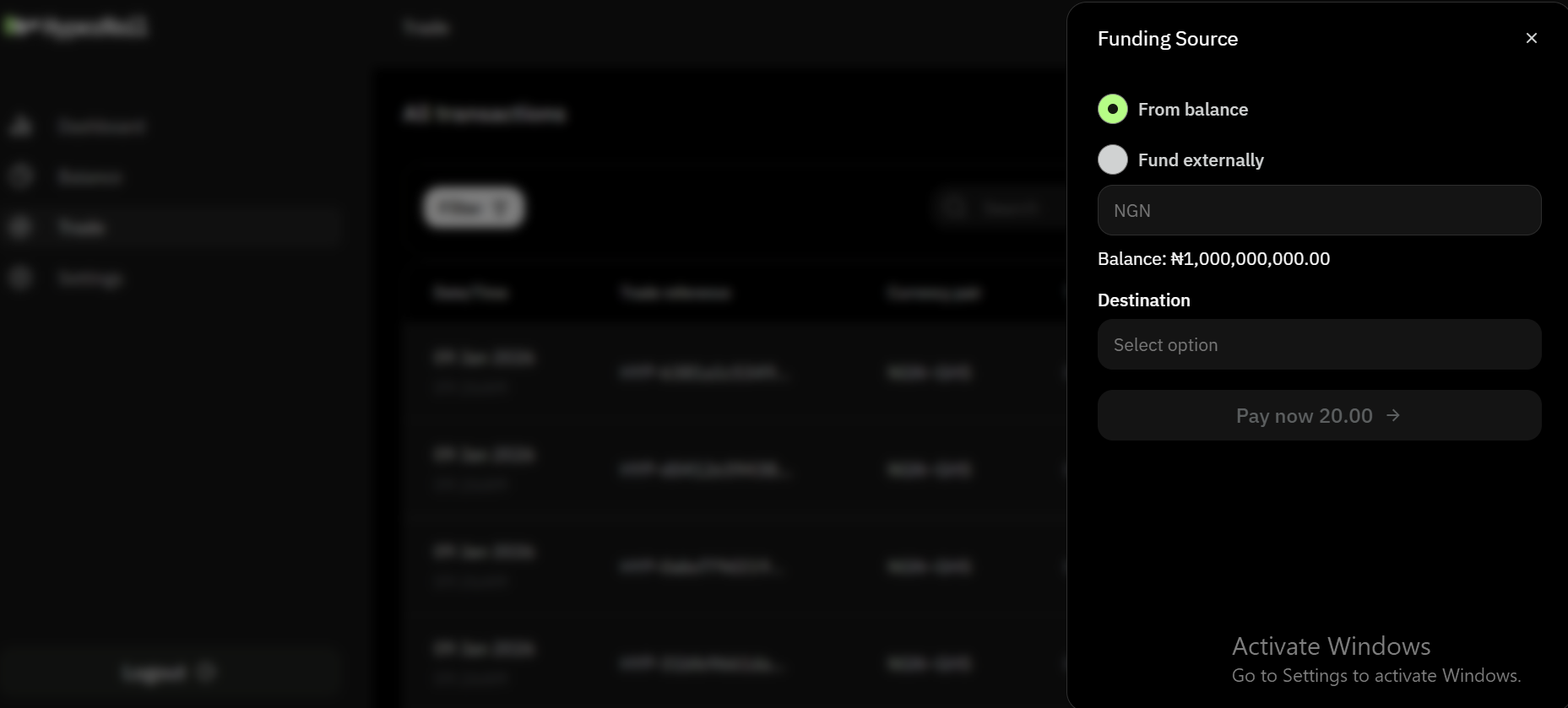
- Balance: You can fund using your HyperRail wallet
- Fund Externally: You can fund with an external account
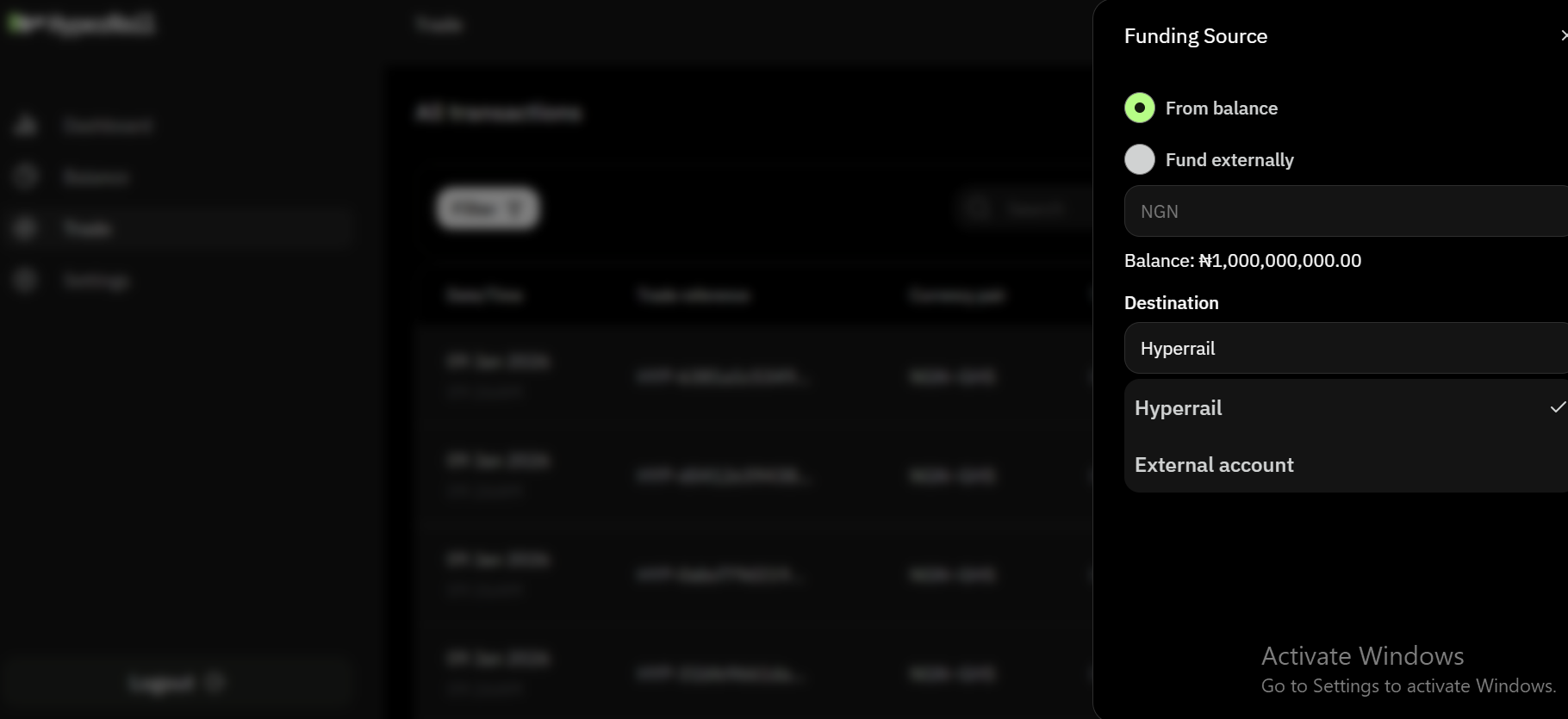
- HyperRail: You can recieve funds to your HyperRail wallet
- External Account: You can recieve funds to an external account
Transaction Statuses
Each on-ramp transaction moves through the following statuses:
pending– Fiat deposit processingsuccessful– Stablecoins creditedexpired– Transaction expiredinsufficient-balance– insufficient wallet balancefailed– Transaction failed
- Exchange rates are shown before confirmation
- Final rates are locked at confirmation
- Transactions are recorded and auditable
- Availability depends on supported currencies and liquidity