
Overview
HyperRail allows you to invite team members to your dashboard and control what they can access using roles and permissions.This enables secure collaboration while ensuring sensitive actions are restricted to authorized users only.
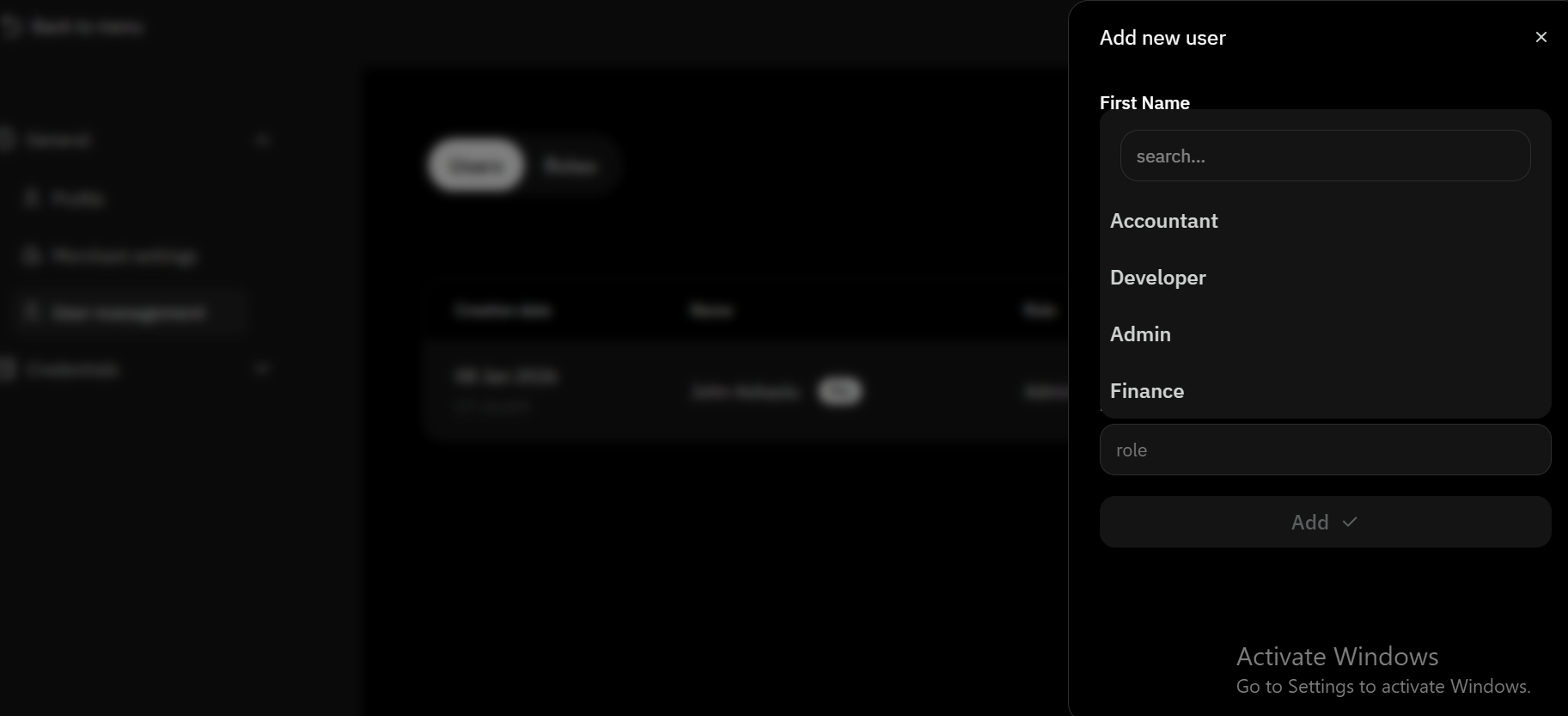
How to Add a Team Member
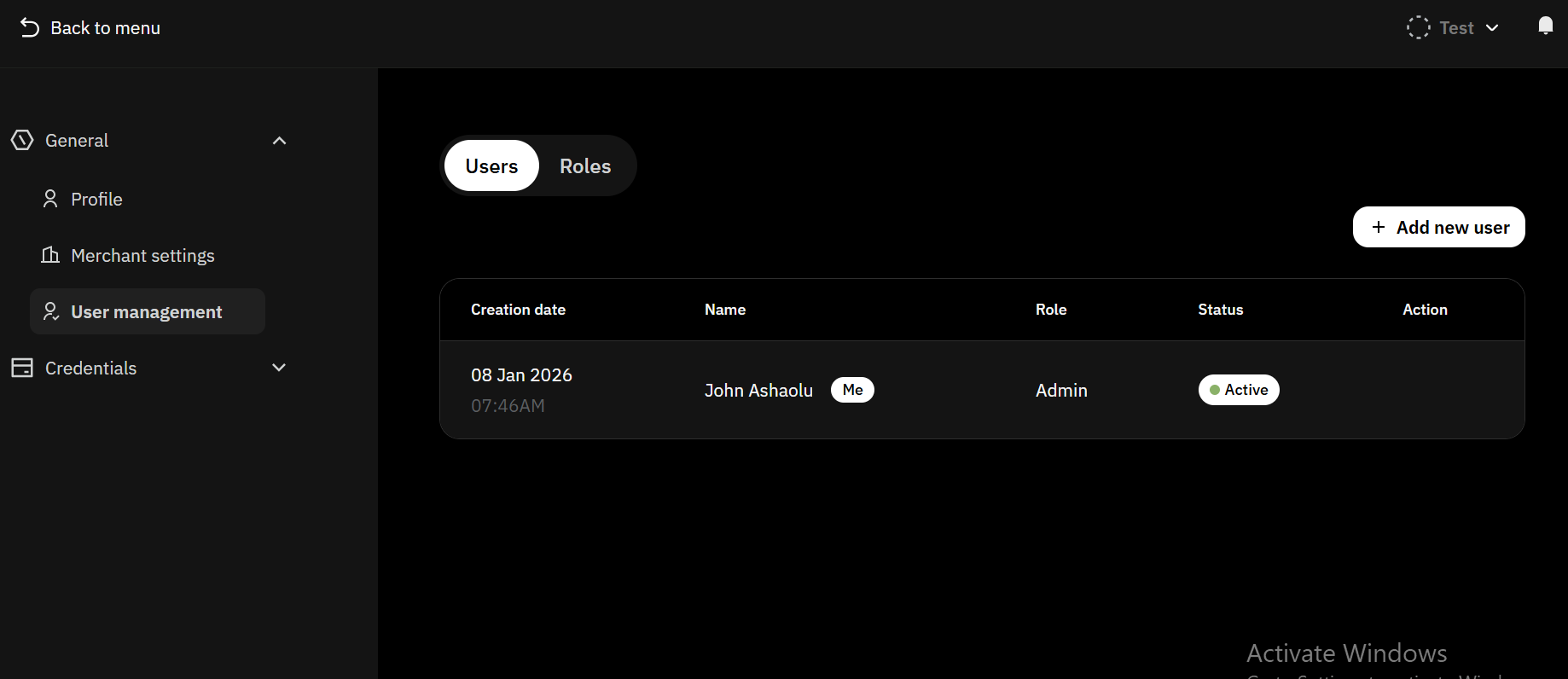
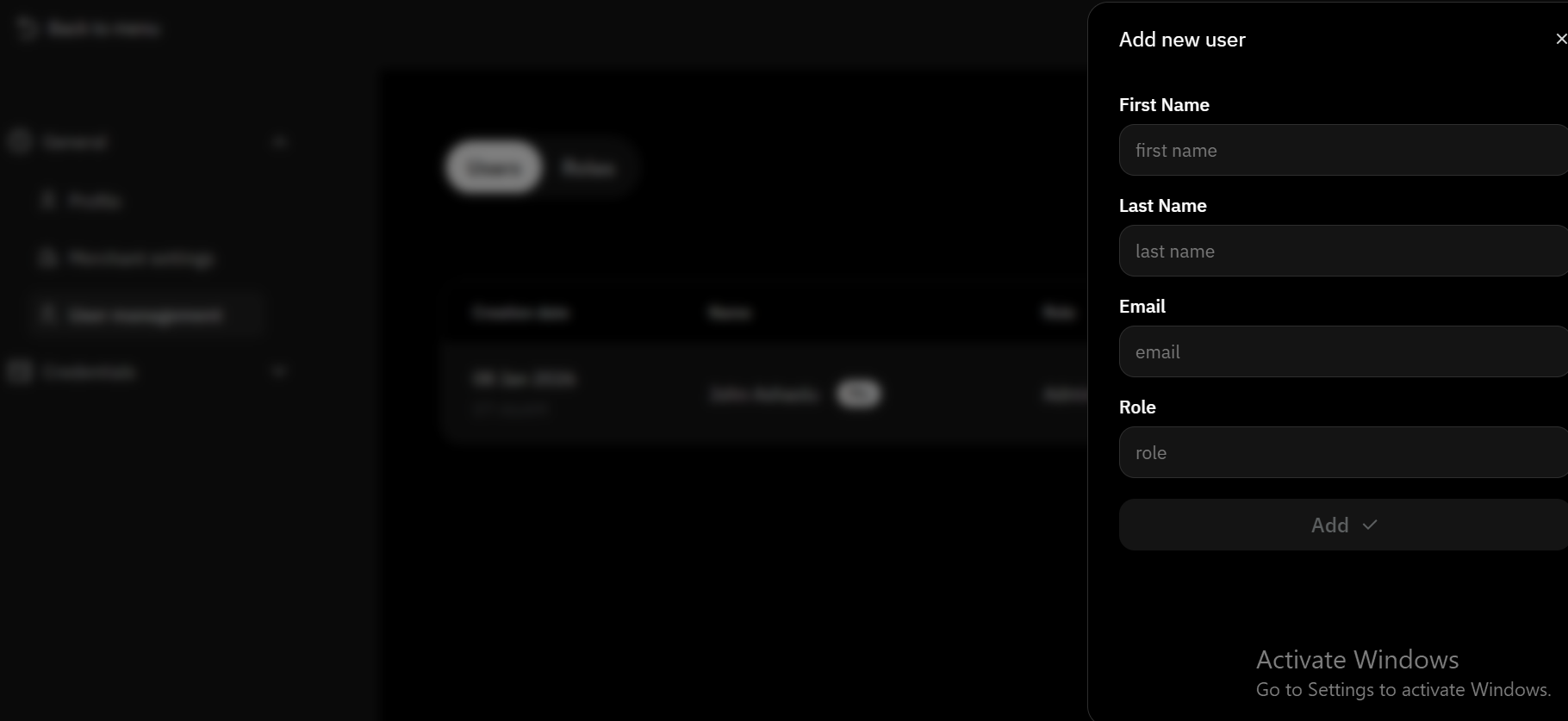
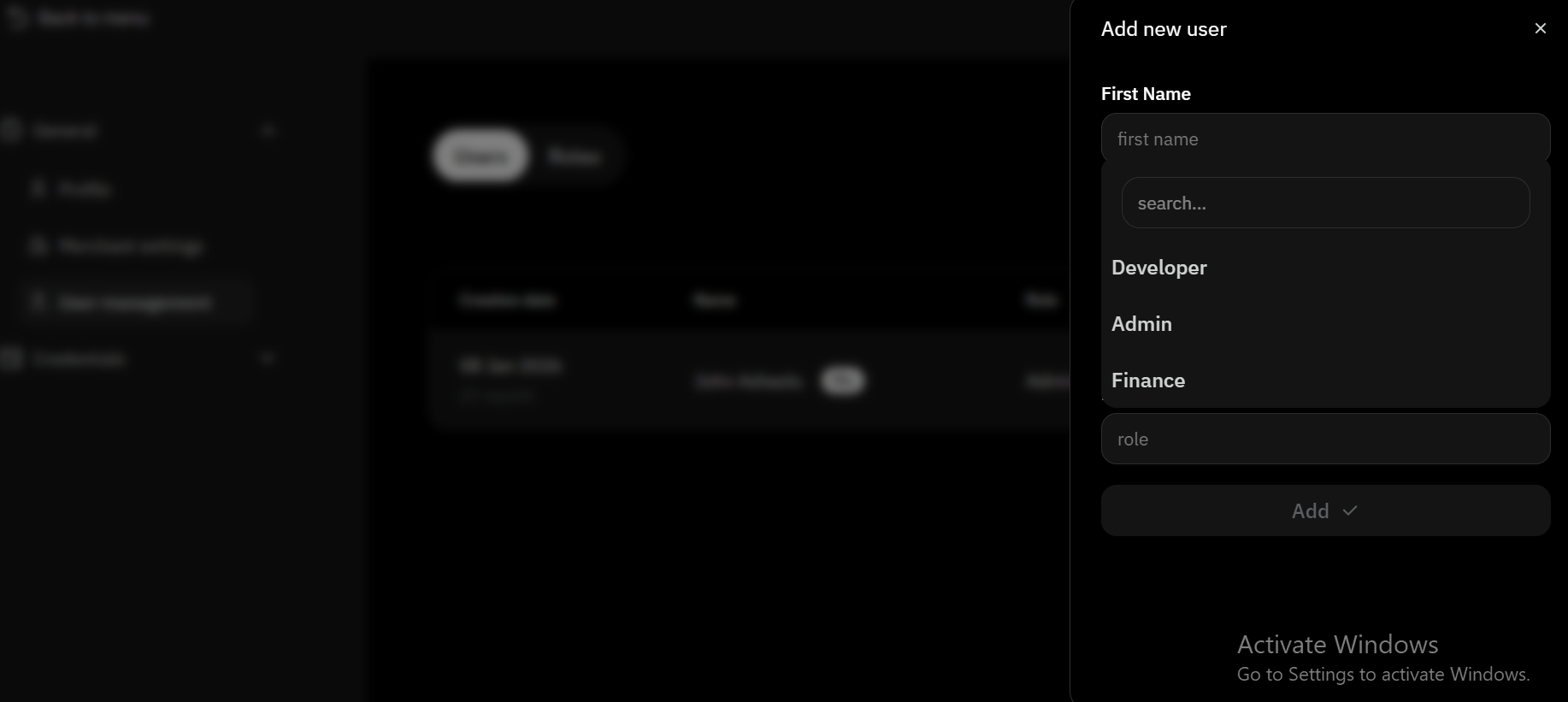
How Team Members Access HyperRail
Invited users receive an email invitation.After accepting the invite, they:
- Set up their password
- Configure OTP (Authenticator App)
- Gain access based on their assigned role
Default Roles & Permissions
HyperRail provides predefined roles with different access levels:| Role | Access Level | Description |
|---|---|---|
| Admin | Full Access | Can manage users, roles, settings, and all financial operations. |
| Finance | Financial Access | Can view balances, perform exchanges, and manage payouts. |
| Developer | Technical Access | Can view and manage API Keys, Webhooks, and other technical configurations. Lacks access to balances, collections, or finance-related operations. |
Custom Roles
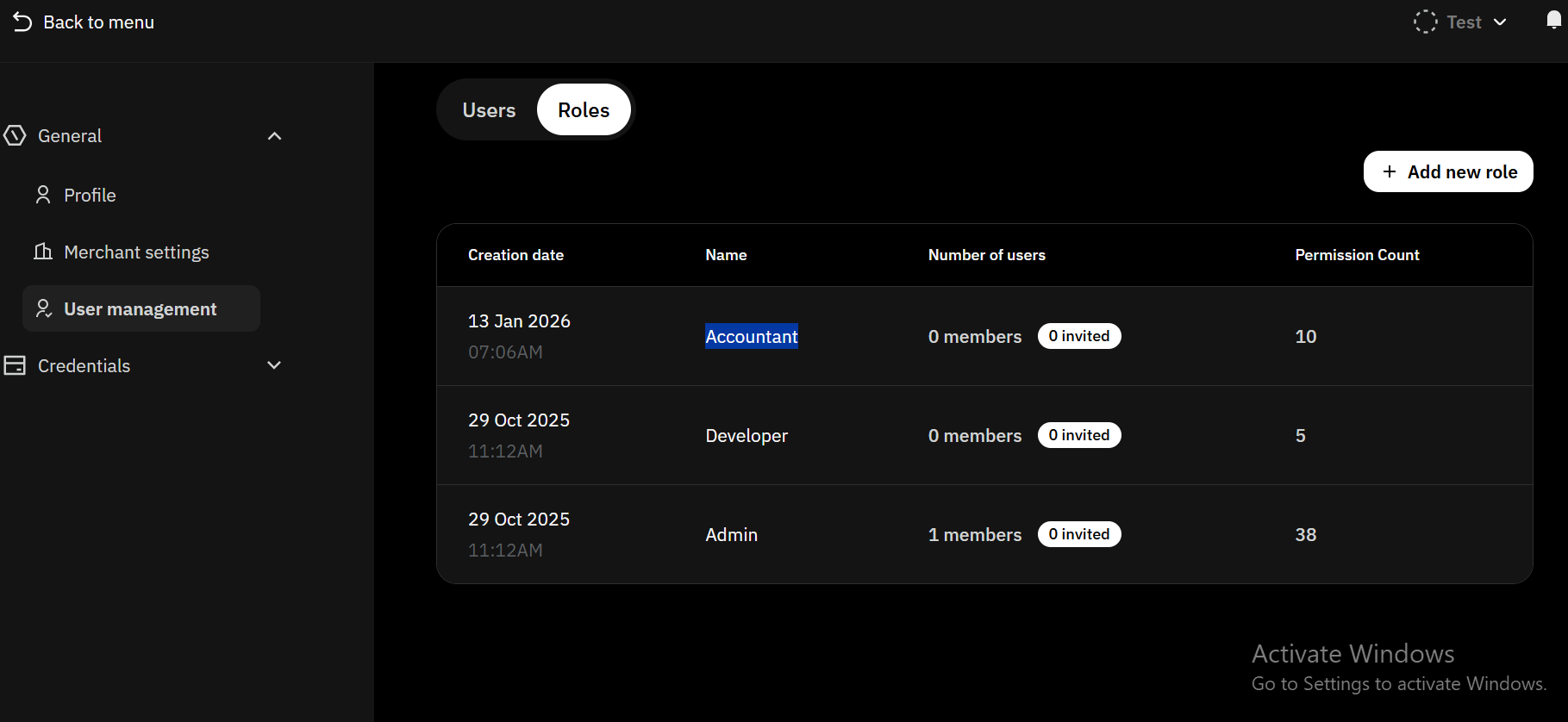
Admins can create custom roles with tailored permissions to match their team’s operational needs.How to Create Custom Roles
Open Roles Management
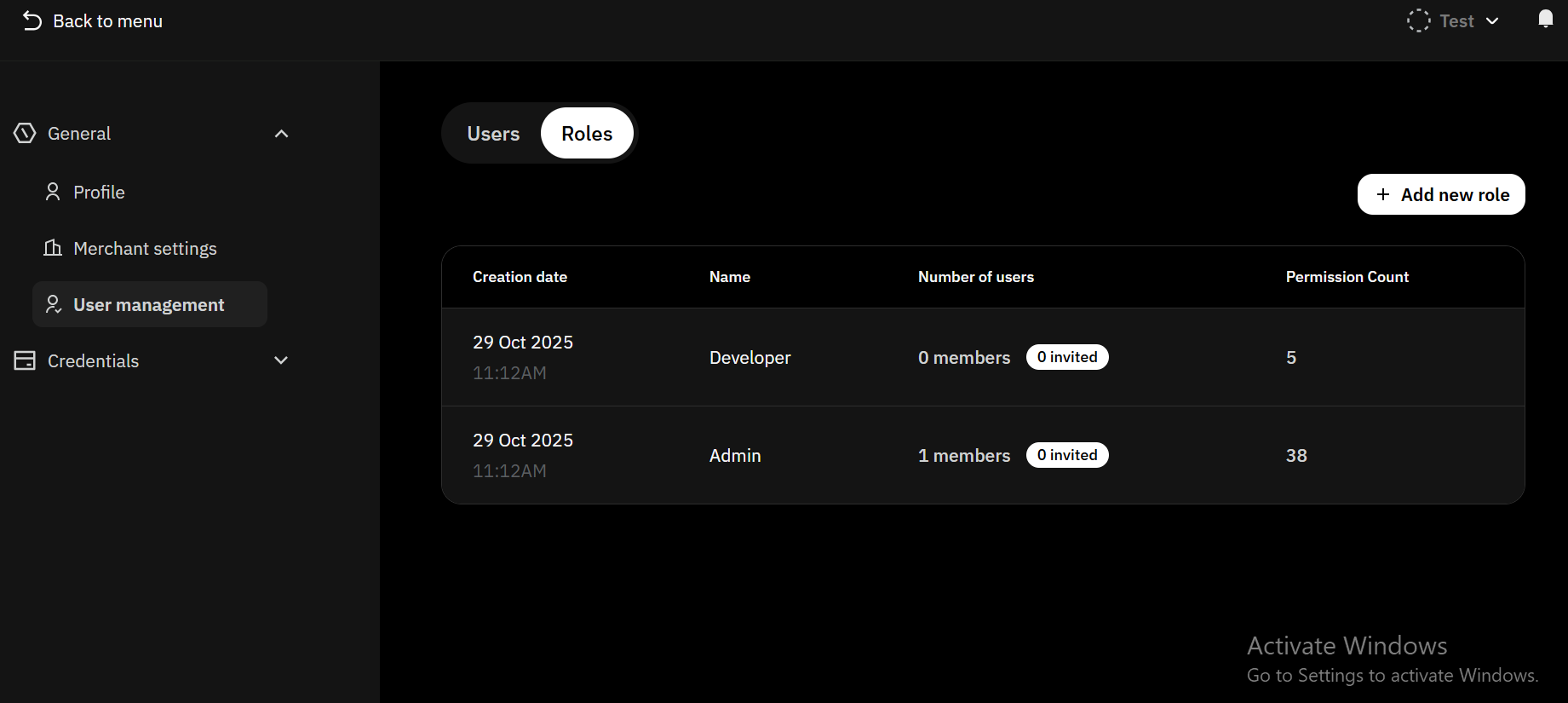
Create a Role
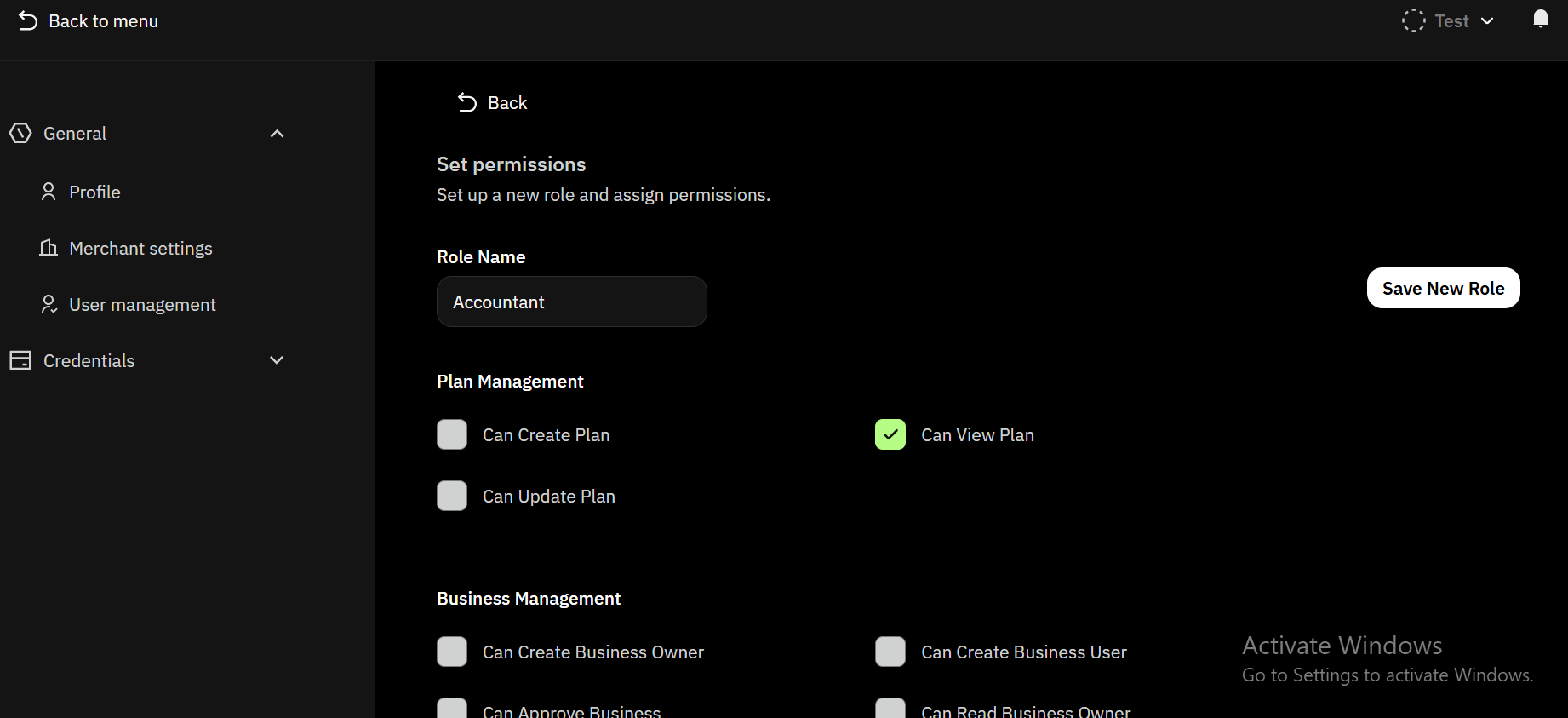
- Choose the Role name you want to create.
- Select the access you want the role to have
- Click on Save new role to save the role
Key Notes
- Only Admins can invite or manage users
- Permissions take effect immediately